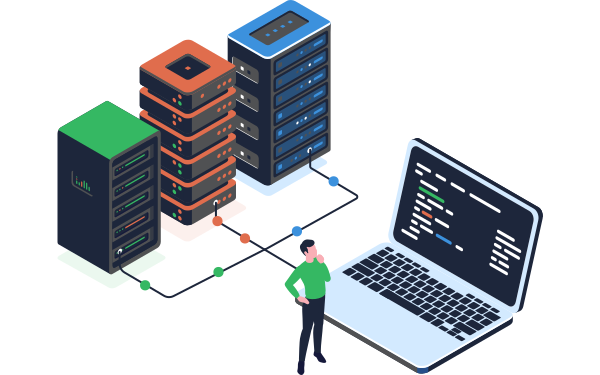
Every business ingests data, whether that's a small-scale process pulling data from one application into another, or an enterprise-wide data pipeline handling a continuous stream from thousands of clients. Common data ingestion challenges tend to share the same root cause: moving changing data across unreliable boundaries without the contracts, checkpoints, and observability to catch problems before they spread.
Get data ingestion right, and everything downstream, from reporting to automation and AI, gets built on a foundation you can trust. Get it wrong, and the same problems tend to resurface in different forms further down the pipeline, often far from where they started.
In this article, we'll be covering what data ingestion is, the different types and how to choose between them, how it compares to ETL and data integration, the steps involved, the importance of data quality and validation, and how AI and RAG workloads are changing what good ingestion requires. We’ll also share some real-world use cases, common challenges, and how to plan, build, and automate a pipeline that scales.
Key takeaways
-
Data ingestion is the process of collecting, moving, or onboarding data from one or more sources into a target system, transforming it as needed for downstream use.
-
The right ingestion method, batch, real-time, micro-batch, or change data capture, depends on your latency, volume, and complexity requirements, and many organizations use several at once.
-
Data ingestion, ETL, and data integration are related but distinct: ingestion moves data from varied sources, ETL prepares data for analytics with known structures, and integration combines data from multiple sources into one view.
-
Ingesting data for AI and RAG workloads has different requirements than traditional ingestion, since it needs to preserve document structure and context, not just move data reliably.
-
Most data ingestion challenges trace back to the same root cause: moving changing data across unreliable boundaries without contracts, checkpoints, or observability built in.
-
The clearest sign it's time to automate data ingestion is when you can no longer scale your customer or data volume without growing headcount to match.
What is data ingestion?
Data ingestion is the process of collecting, moving, or onboarding data from one or more sources into a target system, transforming it as needed for downstream use.
In practice, this means reading data from wherever it originates, a database, an API, a file drop, transforming it to fit the target's requirements, and writing it into that system so it's ready for whatever comes next, whether that's a single application-to-application handoff or a continuous stream from thousands of clients.
What's the difference between data ingest and data migration?
A data migration is a wholesale move from one system to another with all the timing and coordination challenges that brings. Migration is often a ‘one-off’ affair, although it can take significant resources and time.
Data ingestion, on the other hand, usually involves repeatedly pulling in data from sources typically not associated with the target application, often dealing with multiple incompatible formats and transformations happening along the way.
Types of data ingestion
Data ingestion methods vary based on your specific requirements, data sources, and business needs. Understanding the different approaches helps you choose the right strategy for your use case.
Batch ingestion
Batch ingestion involves collecting and processing data in scheduled groups or "batches" at regular intervals. Batch ingestion is typically done at a much lower cadence but with much higher efficiency.
Common examples: Nightly sales reports, monthly financial consolidations, weekly customer behavior analysis, or quarterly regulatory reporting.
Real-time (streaming) ingestion
Real-time or streaming ingestion processes data continuously as it's generated, with minimal latency between data creation and availability.
Common examples: Credit card transaction monitoring, stock trading platforms, real-time website personalization, or continuous equipment monitoring in manufacturing.
Micro-batch ingestion
Micro-batch ingestion strikes a balance between batch and streaming approaches by processing small batches of data at very short intervals (seconds to minutes). This hybrid method provides near-real-time insights while maintaining the efficiency and manageability of batch processing.
Common examples: Social media sentiment monitoring, clickstream analysis for web analytics, inventory updates in e-commerce systems, or log aggregation for system monitoring.
Change Data Capture (CDC)
Change Data Capture monitors and captures only the changes made to source data - inserts, updates, and deletes - rather than reprocessing entire datasets.
Common examples: Synchronizing customer records between CRM and data warehouse, maintaining backup databases, updating product catalogs across multiple systems, or feeding data lakes with operational changes.
Lambda architecture
Lambda architecture combines both batch and streaming processing layers to handle data ingestion at scale while maintaining accuracy. The batch layer processes complete datasets for accuracy, while the speed layer handles real-time data for immediate insights.
Common examples: Large-scale recommendation engines, complex financial risk analysis systems, comprehensive customer 360 platforms, or enterprise-wide analytics platforms.
Push vs. pull ingestion
Beyond timing considerations, data ingestion can also be categorized by how data moves from source to target:
Push-based ingestion: Source systems actively send data to the target as it becomes available. The source controls when and how data is transferred, often using webhooks, APIs, or message queues.
Pull-based ingestion: The target system periodically queries or polls source systems to retrieve new data. The target controls the ingestion schedule and determines when to fetch updates.
Choosing between push and pull:
- Use push when sources can easily notify targets of changes (event-driven data ingestion architectures)
- Use pull when you need centralized control over ingestion timing and resource usage
- Consider hybrid approaches where some sources push while others are polled
Choosing the right ingestion method
The optimal ingestion approach depends on several factors:
- Latency requirements: How quickly do you need data available after it's created?
- Data volume: How much data are you processing, and how frequently?
- Cost considerations: Real-time streaming typically costs more than batch processing
- Source system capabilities: What methods do your data sources support?
- Complexity tolerance: Can your team manage sophisticated streaming infrastructure?
- Data consistency needs: Do you require transactional guarantees or can you accept eventual consistency?
Many organizations use multiple ingestion methods simultaneously—batch processing for historical reports, CDC for database synchronization, and streaming for real-time monitoring. The key is matching each data flow to the method that best serves its specific requirements while keeping infrastructure complexity manageable.
Data ingestion vs ETL vs data integration: What's the difference?
These terms are often used interchangeably, but they have distinct meanings that are helpful to understand when designing your data architecture. In practice, these processes often overlap.
Data ingestion is the process of moving data from one or more sources into a target system, adapting it to the required format and quality along the way. It's typically a repeated process - think onboarding new customers to your SaaS platform, or regularly pulling data from external sources into your system.
ETL (Extract, Transform, Load) is traditionally focused on moving data into data warehouses or data lakes for analytics and business intelligence. The emphasis is on transforming data into well-defined, rigid structures optimized for reporting.
Data integration involves combining data from multiple different sources to create a unified view. Rather than simply moving data from one place to another, you're merging datasets together—for example, combining customer data from your CRM with order data from your e-commerce platform to create comprehensive customer profiles.
|
|
Data Ingestion |
Data Integration |
ETL |
|
Primary purpose |
Move data from source to target |
Combine data from multiple sources |
Prepare data for analytics |
|
Typical use case |
Customer data onboarding, operational data feeds |
Creating unified views, cross-system reporting |
Business intelligence, data warehousing |
|
Flexibility |
Must handle varied, unpredictable formats |
Needs to reconcile different structures |
Works with known, planned sources |
|
Output |
Data in operational systems or storage |
Unified, combined dataset |
Standardized warehouse schema |
|
Cadence |
Repeated/ongoing |
Ongoing synchronization |
Scheduled batch processes or real-time |
Read more
- What's the difference between data ingestion and ETL?
- Data ingestion vs data integration: What's the difference?
Steps of a data ingestion process
The process of data ingestion consists of several steps.
- Detect that new data is available to onboard: Whether files are sent via email, or dropped into an FTP site, your ingestion pipeline should detect these automatically and move them for processing.
- Inspect the layout and format of that data: There can be several layers to data ingestion validation from checking that all necessary files are present, to quality checks on the data itself (is it the right format? Are there too many null values?)
- Read the data
- Map and transform data: The pipeline needs to know how to map the data to the target, but also what transformations are needed, such as combining or splitting up fields.
- Assess data quality: Validating data again helps keep quality high, and data can be validated against specific business rules to ensure that details are correct.
- Load data to target: Once files are validated, transformed and ready to go, the next stage is pushing them to their destination, whether that's storage such as a data warehouse, or on to further processing.
- Detect issues and log progress through each step: Finally, your pipeline needs to maintain data lineage, a log detailing how the process went, what changed at each stage, and any errors that occurred.
 Steps of a data ingestion process
To streamline processes, save time on manual work and reduce errors, as much of your data ingestion process as possible should be automated.
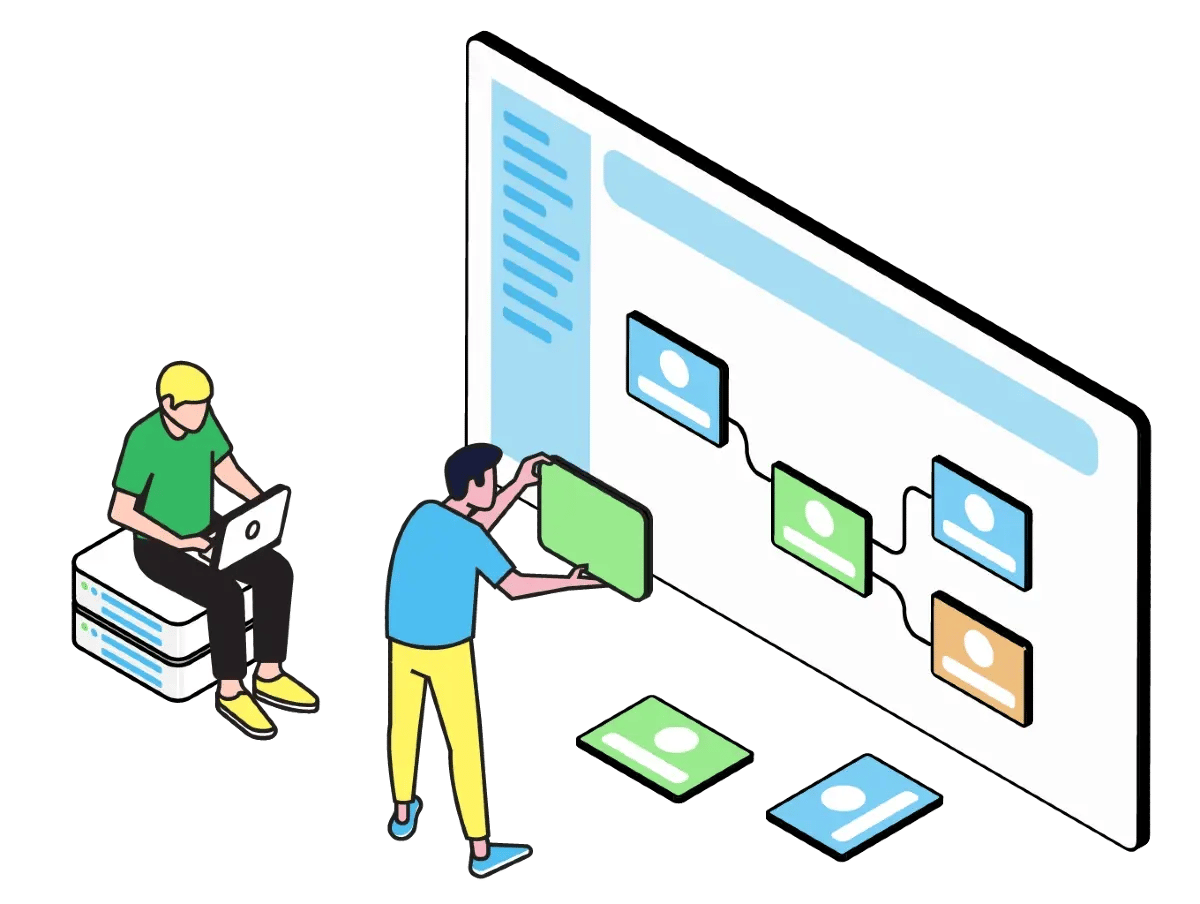
Data validation in CloverDX
Discover how CloverDX helps you automate validation of incoming data at every stage.
Data quality and validation in data ingestion pipelines
Data quality issues are one of the biggest challenges in data ingestion. Bad data can cause pipeline failures, corrupt downstream systems, and erode trust in your platform. The key is building validation into multiple stages of your pipeline - catching problems early and handling errors systematically.
Two types of validation
Input validation checks data as it enters your pipeline. This might include verifying file formats are correct, checking that required fields are present, and ensuring data types match expectations. The more robust your input validation, the fewer surprises you'll encounter downstream.
Output validation is your final check before data reaches its destination. This catches any transformation errors, ensures data meets target system requirements, and validates that business rules have been applied correctly.
Data profiling: Understanding your data at scale
Beyond validation of individual records, data profiling examines entire batches to assess overall quality. For example, you might check that the total number of records matches expectations, that key fields aren't mostly null, or that value distributions look reasonable. Profiling helps you spot systemic issues - like a client changing their file format - before they cause bigger problems.
Handling rejected records
When data fails validation, what happens next? In a well-designed ingestion pipeline, rejected records are captured with detailed error information and routed to a process for correction.
Importantly, error handling should be accessible to the people who can actually fix the data, often business users or customer success teams, not just IT staff. They're the ones who understand the context and have the authority to correct issues.
Building error handling that scales
An effective data quality approach includes:
- Automated detection: The pipeline automatically identifies and flags problematic records
- Actionable error reporting: Error messages that clearly explain what's wrong and what needs fixing
- Audit trails and data lineage: A complete record of what was rejected, why, and how it was corrected
- Reprocessing workflows: A clear path to fix data and push it back through the pipeline
As well as fixing immediate problems, this systemic approach can provide valuable insights about your processes, training needs or upstream systems.
Read more: Building data pipelines to handle bad data
Data ingestion for AI and RAG workloads
Ingesting data for AI and retrieval-augmented generation (RAG) workloads has different requirements than traditional ingestion, since the goal isn't just moving data reliably, it's preserving the structure and context a model needs to use it correctly.
This shift in AI data ingestion matters in three specific ways. First, chunking, how documents get broken into retrieval units, needs to keep related content together, since a chunk that splits a table or a key clause across two pieces confuses retrieval rather than helping it.
Second, access controls need to travel with the data as metadata, not just be enforced at the destination, so a retrieval system only ever surfaces content a given user is authorized to see.
Third, schema drift is a bigger risk when the downstream consumer is an AI agent rather than a human reading a report, since a model won't necessarily flag that something looks wrong the way a person reviewing a dashboard would.
None of this replaces the fundamentals already covered in this guide, validation, error handling, and audit trails still matter just as much. It's an additional layer on top: preserving meaning and context, not just moving bytes. For a closer look at how this plays out in practice, see Using AI in CloverDX to speed up data onboarding without compromising data security.
Data ingestion use cases
Data ingestion can take a wide variety of forms. These are just a few real-world examples:
Data ingestion for SaaS and customer onboarding
Why SaaS companies need robust data ingestion
SaaS platforms face a standard data ingestion challenge: they need to onboard data from many different sources (clients), which often arrives in different formats via different methods. The SaaS business needs to onboard data quickly so that new customers can get up and running fast, and so the data that customers are seeing is up-to-date.
The challenge of accepting data 'as-is' from multiple clients is a common one - clients often won't (or can't) format data to exactly the right specification, so incoming data needs to be standardized to the SaaS company's requirements. This often involves lots of manual, error-prone work that takes up developer time. And it becomes impossible to scale as client volumes increase.
Enabling non-technical teams to manage data onboarding
Often, the domain experts who understand the data best can't work on it because the ingestion pipeline lives in a technical system that only developers can use. Sending Excel files back and forth for manual corrections is insecure and error-prone. Data ingestion best practices show that businesses should be able to offload onboarding work from technical to business users, using a data platform that offers separate interfaces for each audience, enabling collaboration and more efficient onboarding.
Case study: Freeing up engineering time by a third for Zywave
Other data ingestion use cases
- Taking data from various in-house systems into a business-wide reporting or analytics platform - a data lake, data warehouse or some standardized repository format
- A business providing an application or data platform to customers that needs to ingest and aggregate data from other systems or sources
- Ingesting a constant stream of marketing data from various places in order to analyze results and maximize campaign effectiveness
- Taking in product data from various suppliers to create a consolidated in-house product line or provide data to feed an e-commerce site
- Consolidating research data from multiple researchers to provide comprehensive results and analysis
Data ingestion case studies
- Automating and centralizing data processes and reducing manual, ad-hoc data tasks
- Importing large amounts of data in various formats into a proprietary suite of tools, with customer-specific logic and transformations
- Scaling data onboarding for a growing Fintech company, by enabling collaboration between the engineering and non-developer teams
- Automatically ingesting and processing customer order data for a logistics company
Data ingest for faster client onboarding
Accelerate setup time for new data by sharing reusable building blocks and creating automated data ingestion and transformation frameworks.
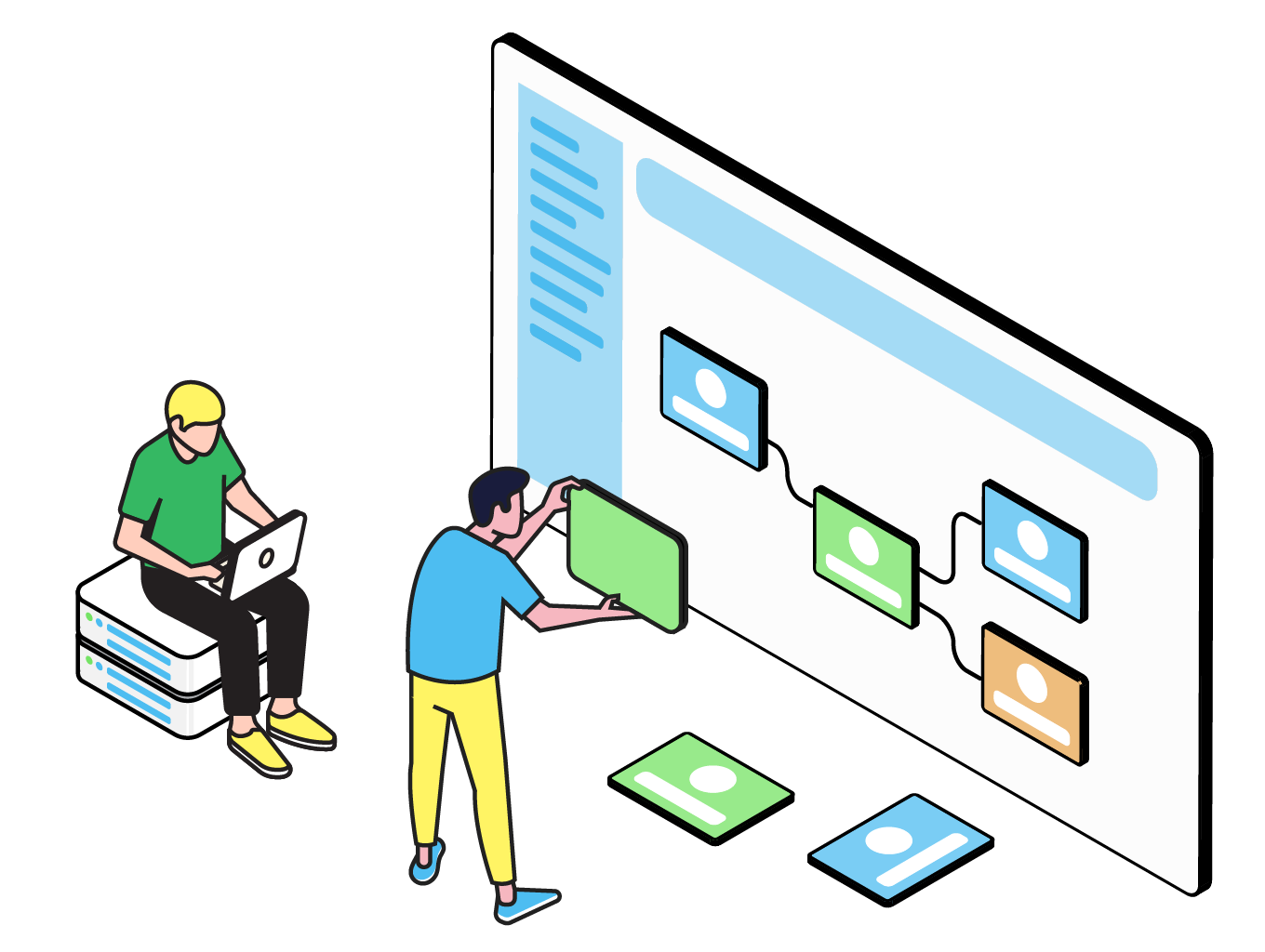
Setting up a data ingestion pipeline is rarely as simple as you’d think. Often, you’re consuming data managed and understood by third parties and trying to bend it to your own needs. This can be especially challenging if the source data is inadequately documented and managed. Typical challenges include:
- Poor data quality from the source
- Connecting to different source systems to pull data from
- Multiple different data formats that all need to be consolidated
- Extensive transformation requirements that take a lot of manual work
- Engineering team as a bottleneck when only technical users can handle onboarding
- Domain experts or business users not being technical enough to be part of the ingestion process
- Lack of visibility with no audit trails or transparency
- Needing to scale capacity without growing headcount
- Difficulty identifying and fixing errors that occur either in the source data or during ingestion
Data ingestion frameworks for scale
One of the biggest challenges growing companies face is the need to scale up data ingestion without just increasing headcount to handle more manual work. The answer is building an automated data ingestion framework to handle data coming from multiple sources, in different formats, automatically.
Benefits of a data ingestion framework
- Reusability: No need to build a new pipeline for each new data source. Build the core process once, and just configure the client-specific piece for new sources.
- Reduction of manual work: Handle steps from detecting incoming files, to transformation, validation and loading, without requiring human input
- Consistency: Data flows through the same process, with the same validation steps, each time
- Easier maintenance: A single core process means one pipeline to maintain and manage, and changes only need to be made in one place
- Improved visibility: Easily see any errors that occur with any data, and establish a master error-handling process to handle corrections and fixes
Setting up a data ingestion pipeline
Automating data ingest
When you’re dealing with a constant flow of data, you don’t want to have to manually supervise it, or initiate a process every time you need your target system updated. You really want to plan for this from the very beginning otherwise you'll end up wasting lots of time on repetitive tasks.
Human error can lead to data integrations failing, so eliminating as much human interaction as possible can help keep your data ingest trouble-free. (This is even more important if the ingestion occurs frequently).
Both these points can be addressed by automating your data ingestion pipeline.
You’ll also need to consider other potential complexities, such as:
- A need to guarantee data availability with fail-overs, data recovery plans, standby servers and operations continuity
- Setting automated data quality thresholds
- Providing an ingest alert mechanism with associated logs and reports
- Ensuring minimum data quality criteria are met at the batch, rather than record, level (data profiling)
Data ingest can also be used as a part of a larger data pipeline. Other events or actions can be triggered by data arriving in a certain location. For example - a system that monitors a particular directory or folder, and when new data appears there, a process is triggered.
Webinar
The data ingestion blueprint
Discover how data teams are accelerating onboarding, without increasing headcount with a structured, automated approach to data ingestion that reduces delivery time, improves reliability, and enables customer-facing teams to contribute directly to the process.
Data ingestion parameters
There are typically 4 primary considerations when setting up new data pipelines:
- Format – what format is your data in: structured, semi-structured, unstructured? Your solution design should account for all of your formats.
- Frequency – do you need to process in real-time or can you batch the loads?
- Velocity – at what speed does the data flow into your system and what is your timeframe to process it?
- Size – what is the volume of data that needs to be loaded?
It’s also very important to consider the future of the ingestion pipeline. For example, growing data volumes or increasing demands of the end users, who typically want data faster.
Governance and safeguards
Another important aspect of the planning phase of your data ingest is to decide how to expose the data to users. Typical questions asked in this phase of pipeline design can include:
- Will this be used internally?
- Will this be used externally?
- Who will have access to the data and what kind of access will they have?
- Do you have sensitive data that will need to be protected and regulated?
These considerations are often not planned properly and result in delays, cost overruns and increased end user frustration.
Signs you need to automate data ingestion
- Increasing data volumes are leading to more inconsistent data: When you need to ingest varied data, and perform often complex validation and transformation, it's hard to do manually, and some data importing tools aren't customizable enough
- Basic data importing tools aren't enough: If your data ingestion is simple, you can handle pieces of the process with basic importer tools. But when you need more complex transformations or validation, its time to look at a robust data ingestion automation tool.
- Engineering team is spending too much time on onboarding: When the technical team becomes a bottleneck to the data ingestion process, you need to free up time by offloading some of the work to other users.
- There's too much manual work involved: Spending days, weeks or longer manually editing Excel files isn't scalable, and leads to data delays
- You're unable to scale your customer base without adding headcount: Relying on manual work prevents growth. Only by automating processes can you bring on more customers and more revenue without corresponding increases in resource.
- High error rates and constant firefighting: Dealing with inconsistent data manually means lots of errors and pipeline failures. Automating consistent processes, giving domain experts more input, and increasing transparency all help avoid errors.
- Data delays are impacting customer satisfaction and revenue recognition: As volumes increase, existing processes can struggle to keep up. If data takes days to process, delays mean unreliable data and dissatisfied customers.
Read more: Data ingestion tools: 7 features you should look for
Data ingestion with CloverDX
Your data ingestion process should be efficient and intuitive, and CloverDX’s automation capabilities can play a crucial role in this, giving you:
- Automated, transparent data pipelines for quicker customer data ingestion
- A simplified onboarding process, reducing reliance on development teams
- The capability to handle diverse data formats and sources, easing customer data preparation
- Efficient engineering, preventing bottlenecks in onboarding - as well as the ability to move work away from the engineering team to less technical colleagues
- Scalability without additional headcount, and the ability to handle large data volumes
- Automated error handling and validation for accurate data processing
Our demos are the best way to see how CloverDX works up close. Get in touch for a personalized demo and see how you could streamline your data ingestion process with CloverDX.


Share