Data Integration Platform

The flexibility to handle the most complex data workflows

CloverDX combines powerful data integration with AI that accelerates every stage of the work on a production-grade platform you deploy wherever you need, and trust to work at scale.
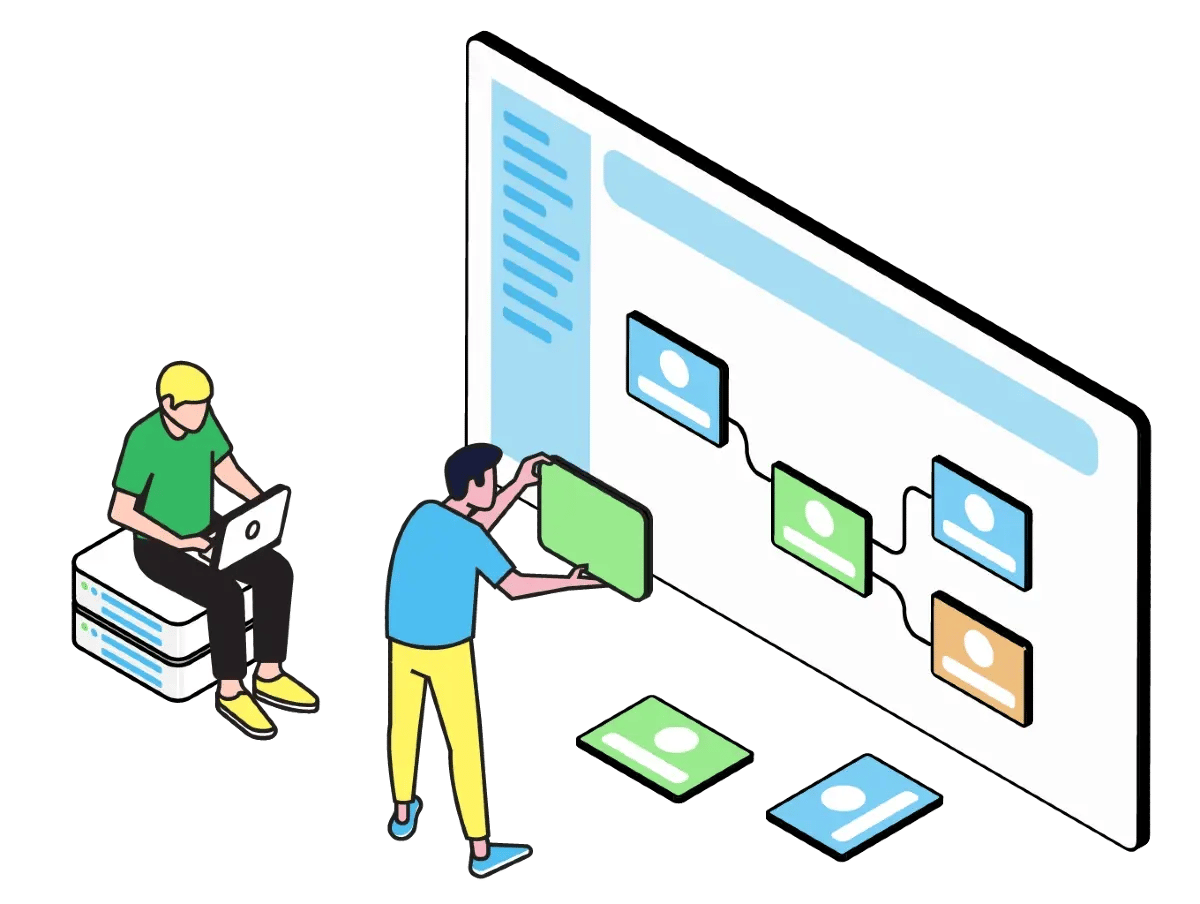
illustration-cdx7--platform@2x
For Engineers Pipelines, automation, and AI-assisted development
For Business Experts Self-service, collaboration, and AI-assisted data prep
For Data Stewards MDM, data quality, and manual intervention

Automation, AI, and Full Control for Engineers

CloverDX gives engineers everything needed to build reliable, production-grade data pipelines with AI that accelerates the work without removing you from the driver's seat. Build visually, code when you need to. Work with an agentic Assistant take on the mechanical work, so you can focus on architecture and judgment.

Reduce manual work
Increase reliability
Free up technical resources

Save time and reduce manual work with automation

Automate and orchestrate even complex processes in a robust, reliable way - saving time, streamlining maintenance, and reducing errors.

  • Run data workflows on autopilot - on a schedule, trigger-based, or controlled via API.
  • Orchestrate processes including controlling external tasks or applications right from your CloverDX pipeline.
  • Reduce manual effort with reusable templates and shared logic.
  • Increase productivity with an agentic AI Assistant that can take on the mechanical work, so you can focus on architecture and judgment.
  • See and fix any problems quickly with error alerts and automated exception handling.

Increase reliability

Have confidence that your data processes are keeping up with your business and delivering accurate, timely data. And that if anything goes wrong, you'll know about it.

  • Increase visibility with error alerts and a centralized monitoring dashboard.
  • Make troubleshooting easier and free up maintenance time with full execution history and details of any problems.
  • Make data jobs more reliable with fast performance and robust scalability.

Free up technical teams by enabling business users to do more

Make it easier for non-technical users to manage data processes without needing IT intervention - freeing up technical resource, improving data quality and eliminating bottlenecks. 

  • Enable business users to work on data quality, self-service data preparation, and master data management, with dedicated user-friendly interfaces.
  • Make collaboration between engineering and business teams easier, with the ability for both to work on parts of a pipeline
  • Improve transparency and accuracy by managing data edits in CloverDX, not by emailing Excel docs.
Ingest

Ingest data from any source

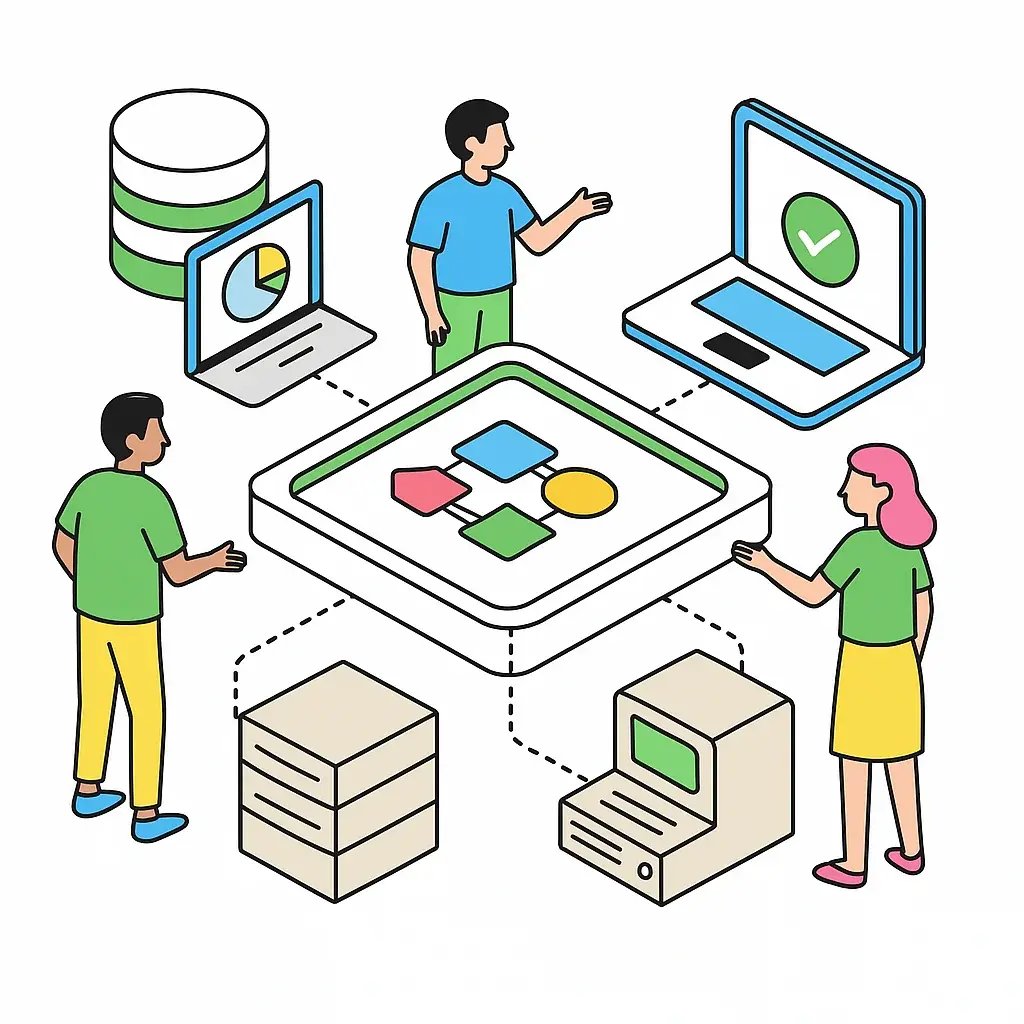
Connect to any data source – cloud or on-prem – with CloverDX’s agnostic approach, and build end-to-end reliable, automated data ingestion pipelines.

  • Connect to any source – either with out of the box connectors, or build your own.
  • Extract and transform any data formats.
  • Maintain data quality with automated, always-on validation and error handling.
  • Flag and assign records that need additional manual review.
  • Automate the entire end-to-end process to run on autopilot.
assets_task_01jqgmrq05fgpbp1p5c2zejn1e_img_1
Transform

Transform with flexibility

Work with any data formats and create custom transformations of any complexity, with code or low-code.

  • Develop fast and see your process clearly with a visual interface and reusable templates.
  • Code when you need in a fully-featured coding environment, including integration with version control.
  • Integrate AI to transform or classify data as part of your workflow, either by running models locally, or by calling OpenAI.
  • Give non-technical users their own simple interfaces to build their own repeatable data transformations without IT help.

CLOVERDX AI ASSISTANT

Build pipelines faster with the CloverDX
AI Assistant inside Designer

The CloverDX AI Assistant plans, designs, builds, tests, and documents pipelines end-to end so engineers
stop writing boilerplate and spend more time on architecture, design decisions, and review. Give it a spec,
a PDF, an email thread, sample data, rough notes, and it produces a working,
tested pipeline with full documentation alongside it.
Pair-programmer

Ask it anything while you build. It can help you rewrite CTL in place, generate test data, update, refactor or create metadata, and turn your natural-language prompt into a working graph.

Solution architect

Point it at a folder of specs, or just specify a project in conversation, and it drafts a full project architecture. Aim it at an existing project and it produces clear, after-the-fact documentation.

Troubleshooter

When a job fails overnight, the assistant can read execution history, trace what went wrong, explain it in plain language, and propose or apply a fix.

Automate

Save time and reduce manual work with automation

Automate and orchestrate even complex processes in a robust, reliable way - saving time, streamlining maintenance, and reducing errors.

  • Run data workflows on autopilot - on a schedule, based on a trigger, or controlled via API.
  • Orchestrate processes with dependencies, including controlling external tasks or applications right from your CloverDX pipeline.
  • Reduce manual effort with reusable templates and shared logic.
  • See and fix any problems quickly with error alerts and automated exception handling.
Deploy

Deploy data jobs confidently

CloverDX makes it straightforward to deploy jobs to production on the CloverDX Server.

  • Test & iterate fast with built-in debugging tools for inspecting data at each step as well as full code debugging.
  • Full support for version control with common VC platforms.
  • Automate job deployment with CI/CD and IaC tools.
  • Flexible platform deployment – on prem, cloud, or hybrid.
Deliver

Deliver data where you need

Get data where it needs to be, the way you need.

  • Publish data and transformations as APIs.
  • Deliver to suit requirements - bulk/batch/microbatch.
  • Enable non-technical users to get their own data though an automatically-generated GUI.
  • Send data that fails validation for manual review, before loading to targets.
Manage

Manage and monitor your data pipelines -- including with AI

Get a centralized, birds-eye view of all your data processes, with alerts as soon as anything goes wrong.

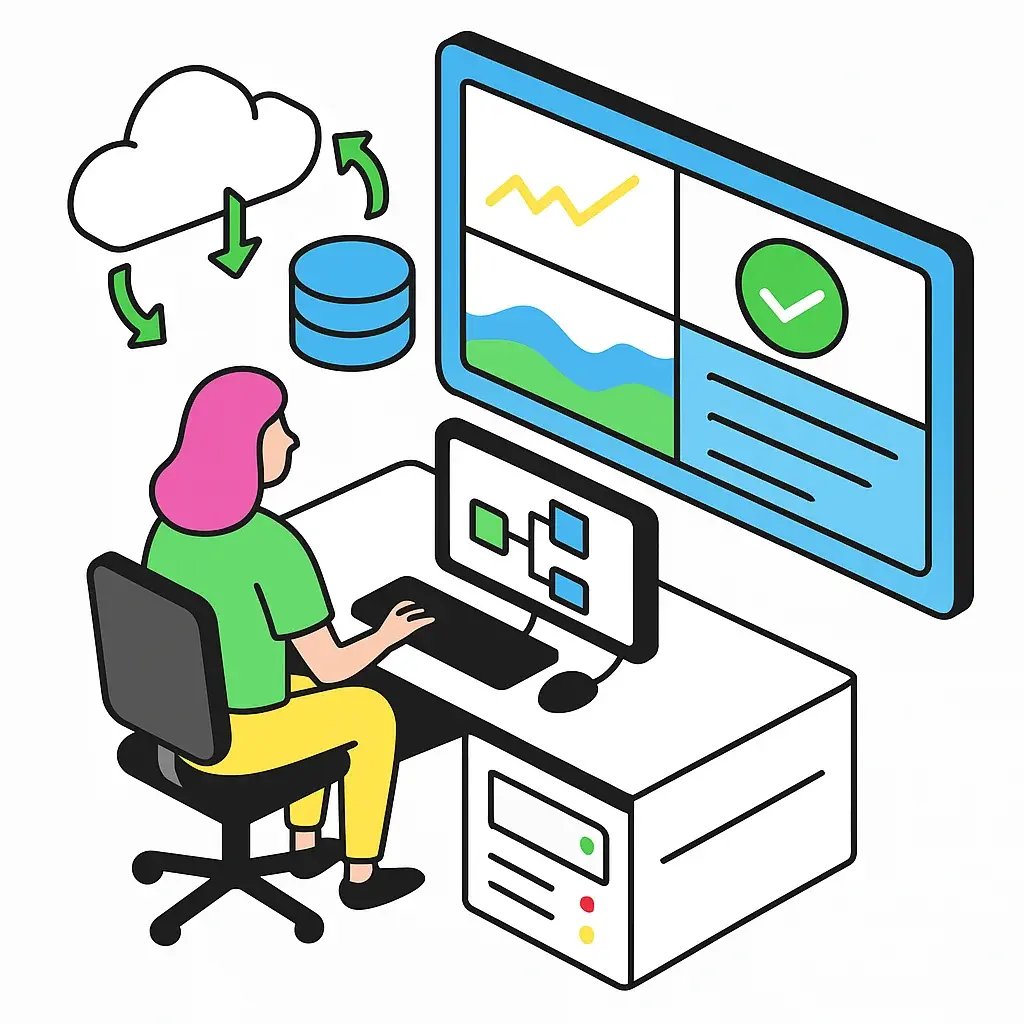
  • See the health and status of all your jobs on a dashboard.
  • Use AI to analyze performance, troubleshoot problematic jobs and prevent issues
  • Get notified early with customizable error alerts.
  • Make troubleshooting easier with full execution history and the ability to drill down into the details of any run.
  • Enhance governance with centralized access management and full audit tracking.
  • Connect any MCP-capable AI client to your CloverDX Server and use AI to analyze performance, troubleshoot problematic jobs and prevent issues

Self-service, Collaboration & AI-assisted Data Prep for Business Users

CloverDX bridges the gap between engineering teams and the business users who understand the data best. Domain experts can now author data jobs in plain English, own their mappings directly, and collaborate with engineers without the back-and-forth that slows every project down.

Wrangler Assistant

Build jobs using plain English

With the Wrangler Assistant, business users can describe what they need in everyday language and get back clear, deterministic transformation steps they can read, adjust, reorder, and run — no technical training required.

The assistant doesn't replace the transformation with AI — it suggests the right deterministic steps. Once those steps are chosen, they run the same way every time, on every record. No model drift. No surprise outputs. The AI is the productivity layer; the CloverDX engine is the runtime.

  • Describe your goal in your own words.

  • Get back a clear sequence of transformation steps — not a black box.

  • Stay in control: every step is visible, editable, and reorderable before you run.

Collaborate

Bring business and engineering teams closer

Free up engineering time by enabling business users to contribute directly to data processes in interfaces designed for their work, not for developers.

In dedicated user-friendly interfaces, business users can:

  • Manage data mappings that are automatically integrated into larger pipelines.
  • Provide business logic directly to data pipelines managed by developers.
  • Manage shared reference data that can be used as golden records across the organization.
SELF-SERVE

Self-service data preparation

Non-technical users can transform data on their own, without waiting for developer time, in an intuitive visual interface designed for the way they work.

  • Build and run transformations without needing help from developers.
  • Save time on manual tedious data tasks and replace them with automated recipes.
  • No code/low code data transformations made simple in an intuitive visual interface.
  • Access high-quality curated data via a Data Catalog that serves as the central sharing hub for data.
  • Developers can customize Data Manager UI to fit their specific use cases.

MDM & Data Quality for Data Stewards

AI — CONTROL AND GOVERNANCE

Build pipelines faster with the CloverDX
AI Assistant inside Designer 

Every AI capability in CloverDX runs on the same principle: you choose the provider or the model, you hold the contract and the cost, and your data follows the governance rules you set. CloverDX is not in the data path of any AI call.

icon--cdx7--password-key
Bring your own key (BYOK)

Connect your own account with an external AI provider — Anthropic, OpenAI, Azure OpenAI, or Google — using your own API key. You hold the contract, control the spend, and decide what data is shared. CloverDX is not in the loop.

Bring your own model
Bring your own model (BYOM)

Run your own model on your own infrastructure — on premises or on your cloud GPU. Your data never leaves your environment. Ideal for regulated industries and high-sensitivity workloads. BYOM coming for AI Assistant soon!

Layer your approach for sensitive data

If you need to process data using an LLM, a common pattern for organizations that need frontier AI capability without sending sensitive data to a third party: use a local model to anonymize PII first, then send the anonymized record to a third-party LLM for reasoning, and re-attach the original fields on the way back. Because these are all components in a graph with typed edges and full observability, you can see exactly what data goes where.

No CloverDX usage fees: CloverDX licenses features, not AI usage. There are no CloverDX-sold tokens or credits. Any per-use AI cost is between you and the provider you choose. All AI/ML pipeline components are built in at no extra licence cost.

Master Data Management

Let data owners manage shared reference data directly 

Master data management can be complex, but CloverDX simplifies it by providing the essential tools for centralized reference data management. This ensures that developers can confidently rely on accurate and consistent data, while data owners maintain full control over the management and governance of their data assets.

  • Give domain experts power over data quality and ease the burden from data engineers
  • Manage shared reference data that can be used across the organization.
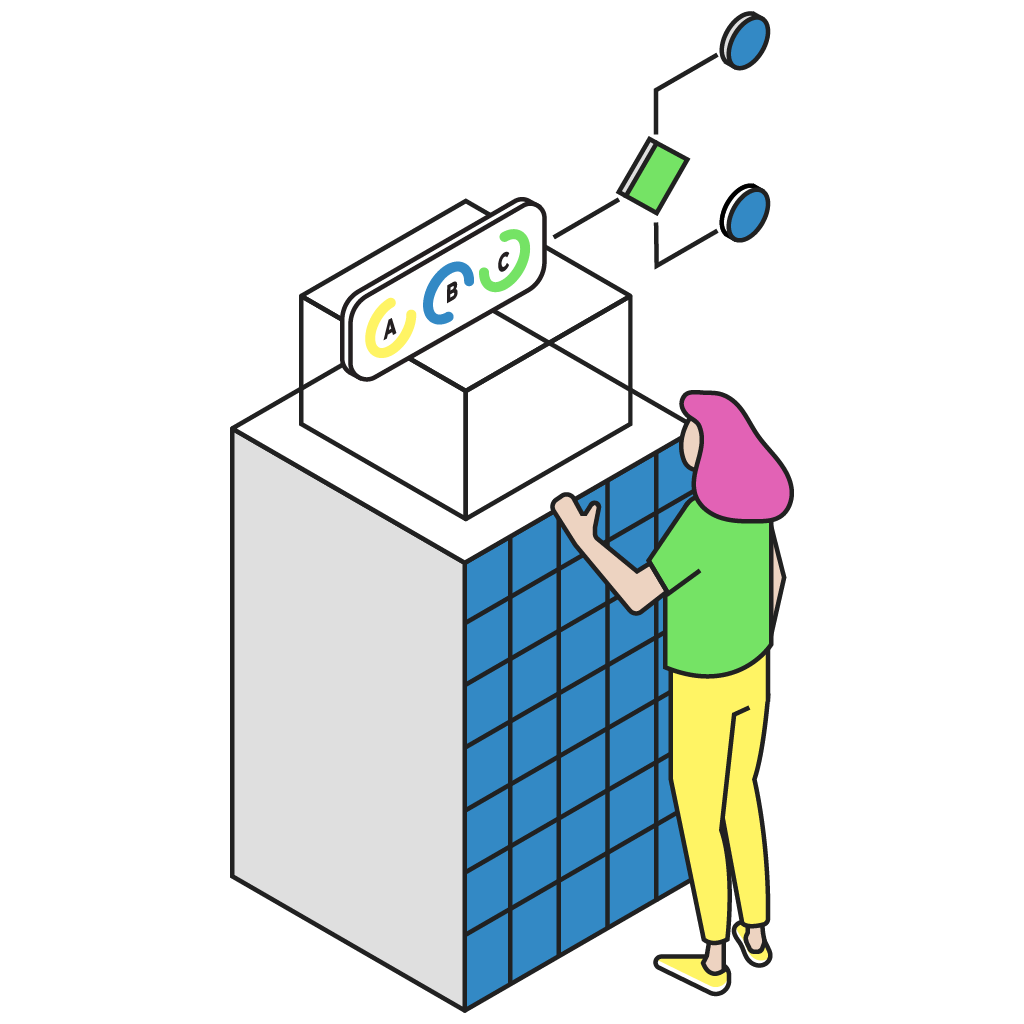
illustration-cdx7--build@2x
Data Quality

Add manual quality control into your pipelines

Automated validation is essential for any data pipeline. However, sometimes it can't handle complex situations. To ensure complete trust and data quality, human operators must step in to review, correct, or approve the data for further processing.

  • Manually intervene in pipelines to review, edit and approve incoming data.
  • Achieve 100% trust in data by combining always-on validation with human inspection and intervention when necessary
assets_task_01jqgkk786ezza3s9t6yg54c0p_img_2
Airline Hydraulics_4

We would get a price file… and to load it into our ERP system would take three to four days. Now with CloverDX I believe it takes us about three hours to process through the million records.

Jennifer McCalicher
Product Data Team Manager,  Airline Hydraulics

Highly rated by customers


It's really the click of a button and we run the system. Instead of having typically a 4 or 5 day process of people preparing the data, running the models, checking the results and building the reports to send to the clients, we’ve reduced that to half a day or less.
Anywhere between 45 and 60 minutes of manual effort, per client, per day, is now down to zero manual work required.
Companies will always tell you they have great support, and then you buy the software and you find out that’s not the case... With CloverDX I get answers right away. Any time there’s a problem they take every bit of care to try and get a resolution.
CloverDX enables the team to easily see what's happening in the data as it flows through the process.
The onboarding process is our first chance at making a good impression with our customers after the dollars are already spent. And CloverDX gives us a tool to be able to move faster.

High Performer
High Performer

Deploy CloverDX anywhere, on-prem or cloud

CloverDX is self-hosted, not SaaS. Deploy on-premise, or in any cloud, or in a hybrid environment that fits your infrastructure. Your data stays where you put it — and so does your AI.

If you want to talk to us about options for deploying CloverDX, just get in touch.

On-premise

Run CloverDX in a wide range of environments, including bare metal, VMs, Linux/Windows/Mac or deploy in containers.

Cloud

Transition your workloads to a cloud service of your choice or combine infrastructure for hybrid deployments.

Hybrid

CloverDX works equally well in hybrid environments where you want to combine infrastructure.

See how CloverDX could help solve your tricky data problems

Book a demo of CloverDX and see how you could reduce manual work, increase reliability, and improve collaboration, with even the most complex data problems.